
The Ultimate Technology Toolkit for Educators
A 4-part Live Masterclass for educators to learn amazing tools for creating resources, increasing productivity, engaging learners, assessments using Generative AI, Web 3.0, Adaptive Tools & many other latest technologies.
Revolutionize your teaching & inspire students like never before.
What does the Course Contain?
Welcome to "The Ultimate Technology Toolkit for Educators" masterclass! In this intensive four-session live course, we will equip educators with a comprehensive set of tools and strategies to enhance their teaching practices and engage students in innovative ways. From exploring the SAMR model to leveraging powerful tools like Loom, Canva, Wizer.me, and many others, we will dive into the world of educational technology.
Join us as we unlock the potential of these tools for creating captivating lesson plans, developing interactive resources, fostering student participation, and streamlining assignments.
Get ready to revolutionize your teaching experience and unleash the full potential of technology in the classroom!
4 Amazing Sessions: A Teacher's Treasure Trove
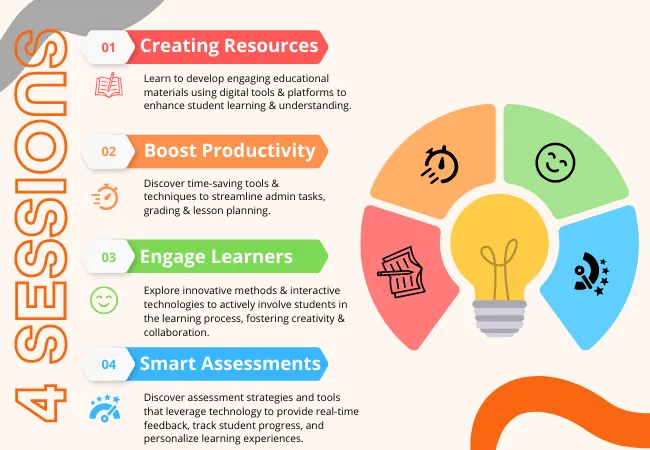
Equip yourself with essential technology skills and strategies to create engaging resources, increase productivity, foster student engagement, and implement smart assessments in the classroom.
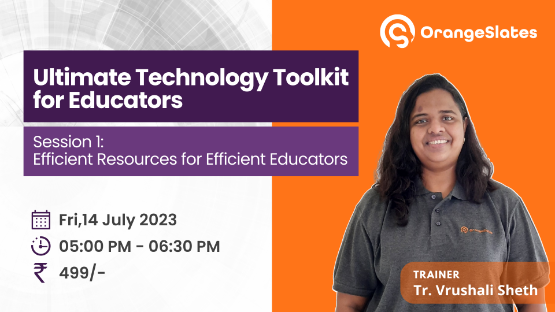
Session 1: Efficient Resources for Efficient Educators
You will learn how to:
- Apply the SAMR model to enhance technology integration
- Categorize and select appropriate tools for technology integration
- Design effective lesson plans and create resources using technology tools
Tools & Strategies Covered:
- SAMR Model
- Categorization of Various Tools
- Lesson Plan & Resource Creation Tools
- Practice Time
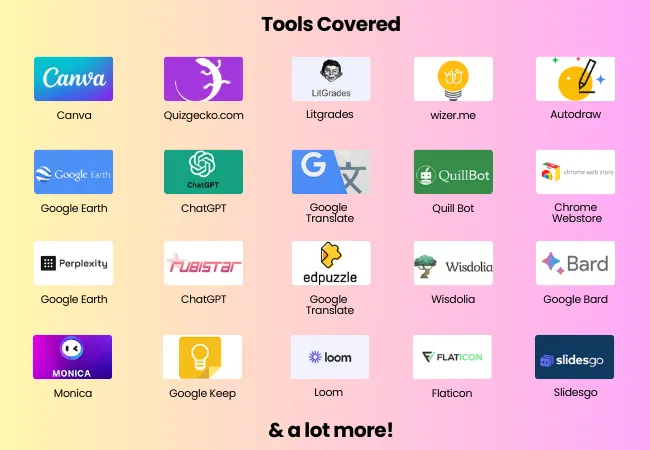
- Tools : Assignment, Perplexity, LPG, BARD, Google Chrome Extentions
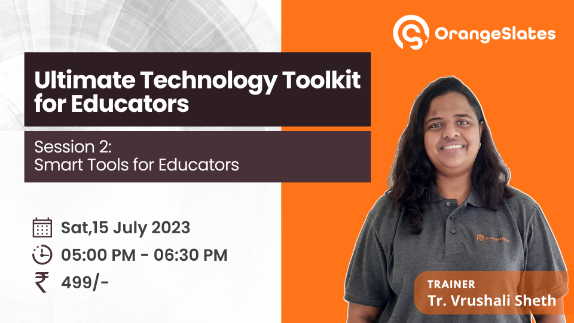
Session 2: Smart Tools for Educators
You will learn how to:
- Manage and categorize information, notes, and resources effectively using digital tools.
- Utilize Quillbot to enhance writing skills, generate alternative phrasing, and improve content clarity.
- Design and implement activities and assignments leveraging work smart tools to enhance teaching and learning outcomes.
Tools & Strategies Covered:
- Loom (Chrome Webstore)
- Monica
- Google Keep / To-do
- Quillbot
- WebChatGPT
- Google Translate
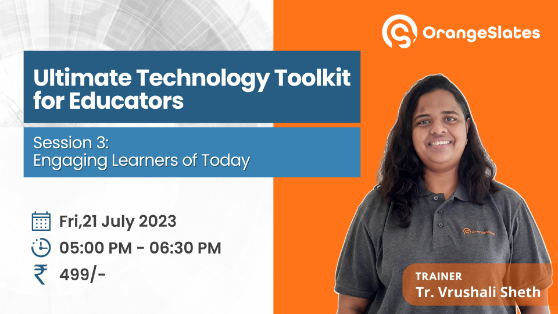
Session 3: Engaging Learners of Today
You will learn how to:
- Create visually appealing and interactive content using Canva
- Engage students in authentic and immersive explorations
- Explore the features and functionalities of tools from the Chrome Webstore to create interactive and collaborative whiteboard activities.
Tools & Strategies Covered:
- Canva (Overall & Magic writing)
- Google Earth
- Autodraw
- Wisdolia (Chrome Webstore)
- Litgrades
Session 4: Master Assessment using Technology
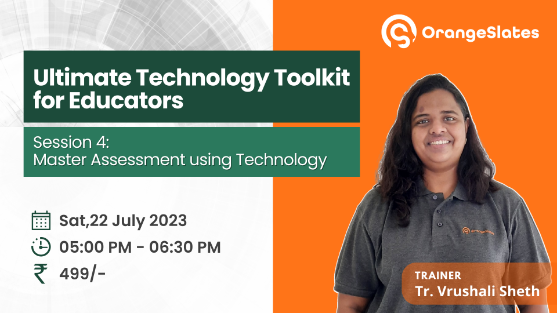
You will learn how to:
- Create and implement effective assessments, rubrics, and interactive video assessments.
- Explore and utilize platforms and tools for creating dynamic and interactive assessments.
- Make assessments a breeze for you & a fun learning experience for your learners
Tools & Strategies Covered:
- Wizer.me
- Quizgecko.com
- Rubistar (website
- Edpuzzle
Get a Combo Offer & Save Over ₹1000!
Instead of paying separately for each session, register for the combo offer!
Includes all 4 Sessions
Get all Sessions for just ₹999 instead of ₹1996
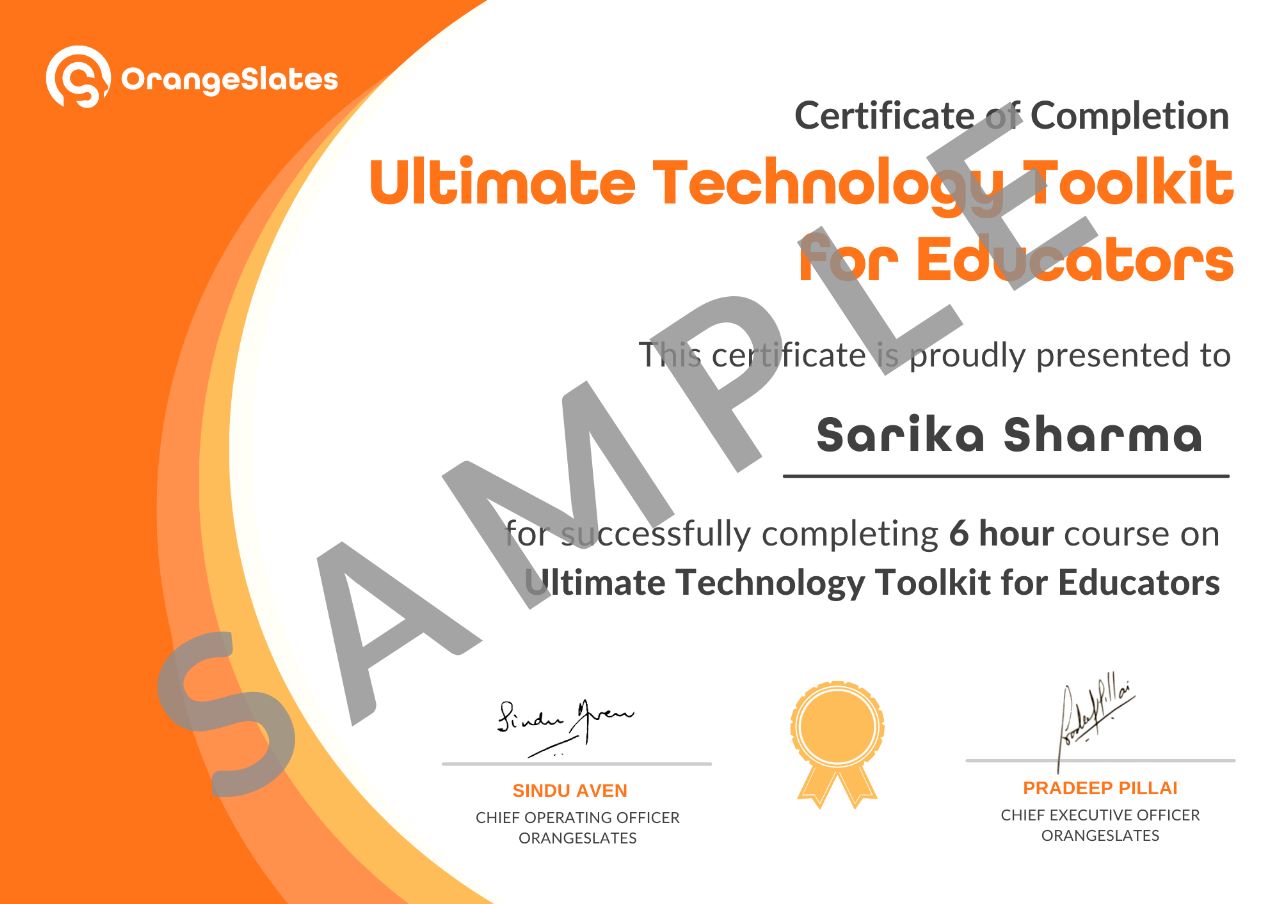
Get a 6 Hour Certificate
Get ₹250/- Off any Self Paid Course
Get Access to Session Recordings for 30 Days
One Course, Unlimited Benefits
Join live online masterclasses & clarify your doubts in real-time.
Learn the best EdTech tools that bring you at forefront of education.
See increased student involvement & interest.
Showcase your Achievement with a Certificate
Create awesome resources that elevate your classroom experience to the next level.
Become the Go-To expert on all things technology in your school.
Become a Future Ready Educator
Complete all 4 Sessions to get this Certificate
The Course Starts In
Days
Hours
Minutes
Seconds
Group Registration
Register as a group of 15 or more educators & get amazing benefits such as
- 10% off on Registration Fees,
- Certify your School as Future Ready School & much more.